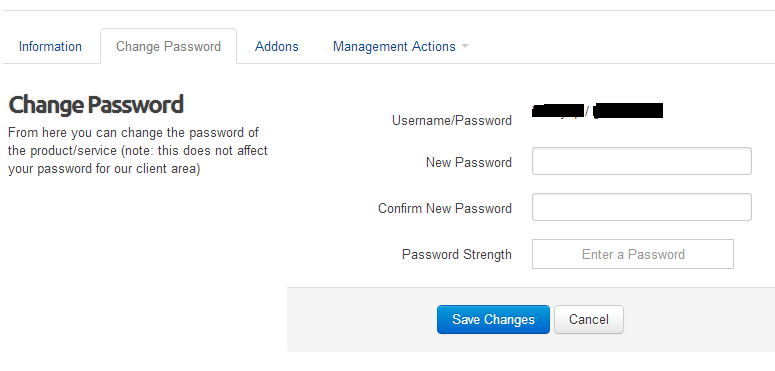
If you already have domain name hosting with Unshadowed you can login to your control panel here. Alternately, you can also login from your client area, then choose Services --> My Services and click on the "View Details" button next your domain. On the bottom of your screen click on the "Login to cPanel" button. If you're asked for a username and password, you need to reset your password, so click on the "Change Password" tab and enter a new password. Click the "Save Changes" button and your new password will be saved for next time you login to your client area.
Â